Real brands. Real campaigns. Matched to you.
Brands worldwide use Ylytic to find creators for paid campaigns. Build your profile once and get matched to collaborations that fit your niche, audience and rates - no cold DMs, no middleman taking half.
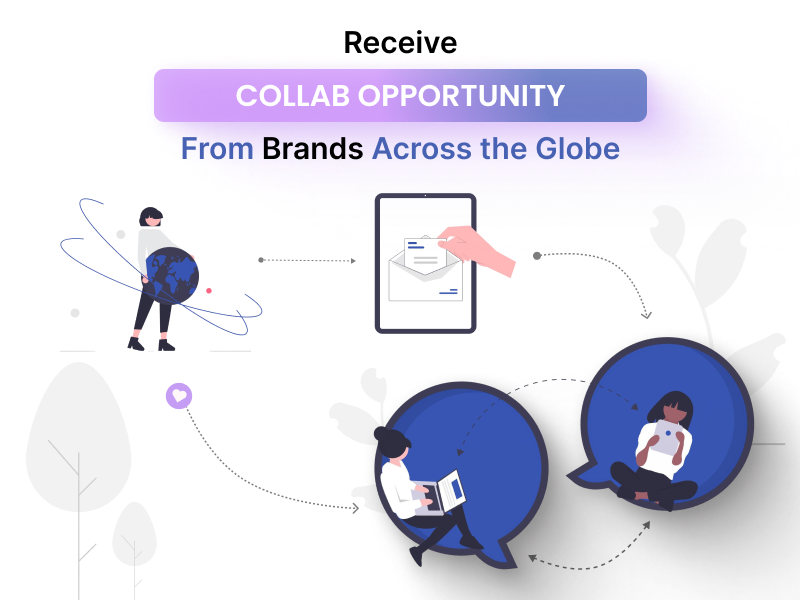
Real campaigns. Zero cold outreach.
Everything you need to find, evaluate, and land a brand campaign lives inside your Ylytic creator dashboard.
Browse open campaigns
See every public campaign a brand has posted to Ylytic in one place, alongside any campaigns you've been invited to directly.
See requirements upfront
Every campaign shows the deliverables required, per-content payout, campaign type, start date, and apply-by deadline before you commit.
Apply or get invited
Click "I'm Interested" to apply to an open campaign, or respond directly when a brand invites you to one of their campaigns.
Chat with the brand
Once a brand approves your application or invite, a dedicated chat opens up so you can align on details before you start creating.
Submit your deliverables
Upload your content or paste a link for each deliverable, straight from the Deliverables tab on the campaign.
Get reviewed & approved
Track the status of every submission — from content review to live link approval — until the brand signs off.
How applying to campaigns works
- 1
Browse or get invited
Open the Campaign Opportunities dashboard to browse every open campaign brands have posted, plus any campaigns you've been invited to directly.
- 2
Review the brief & apply
Check the deliverables, per-content payout, campaign dates, and apply-by deadline, then hit "I'm Interested" to apply — or respond to your invite.
- 3
Submit deliverables & get approved
Once the brand approves you, chat with them directly and upload your content — file or link — from the Deliverables tab until it's reviewed and live.
Explore more features
Your Next Brand Deal Is Already Posted
Create your free Ylytic creator profile and start browsing open campaigns today.